ATS vs UPS: Key Differences Explained Simply
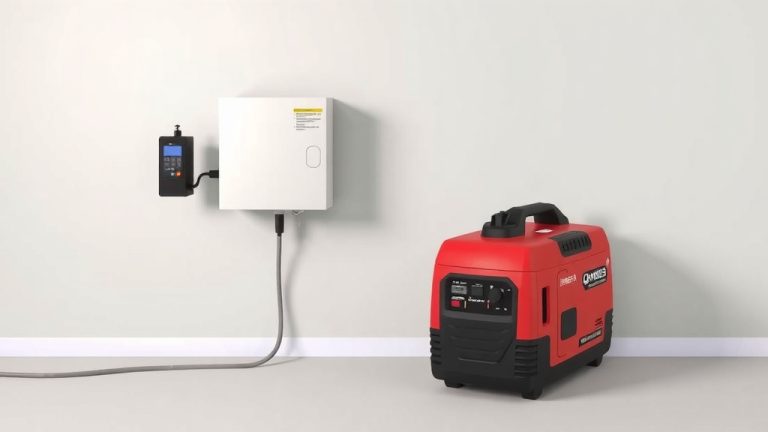
An automatic transfer switch (ATS) and a UPS solve different problems, so the winner depends on what you actually need. In short, a UPS gives you instant backup power to keep devices running during an outage, while an ATS automatically switches your power source (like from utility to a generator) when the main supply fails. You might need one, the other, or both working together for full protection.
We found that most homeowners and small business owners confuse these two devices, and it’s easy to see why. Both kick in when your power goes out, but they play very different roles. A UPS acts like a bridge, covering those critical seconds or minutes, while an ATS is more of a traffic cop, rerouting your entire electrical load to a backup generator. Knowing the difference can save you money and prevent you from buying gear you don’t actually need.
- UPS: Provides instant, battery-backed power for a short time (minutes, not hours). Great for computers, routers, and medical devices.
- ATS: Automatically switches your home or business from the main power grid to a backup generator when the grid fails.
- Key difference: A UPS has a battery; an ATS does not. An ATS simply manages the source of your power.
- When to use each: Use a UPS for sensitive electronics to avoid shutdowns. Use an ATS with a generator for long outages.
- The best setup: Many people use both—the ATS starts the generator, and the UPS covers the gap while the generator spins up.
Below, we’ll break down exactly how each system works, where they shine, and how to decide which one fits your home or office. Let’s walk through it together so you can make the right call.
Understanding the Core Difference Between a Transfer Switch and a Backup Battery
Let’s cut through the confusion right away. You can think of a UPS as a battery and an ATS as a switch. They are not competitors; they are teammates in most well-designed power systems. The main job of a UPS is to keep your devices alive for a few minutes. The main job of an ATS is to move your whole house or business over to a generator when the grid goes down.
We found that most people buy a UPS because their computer shuts down randomly. They buy an ATS because they own a generator and hate dragging out extension cords in the rain. If you only need to keep a Wi-Fi router alive for 20 minutes, a UPS is your answer. If you want the lights on for three days during a hurricane, you need an ATS paired with a generator.
How a UPS Actually Works
Think of a UPS as a power bank for your home office. It sits between the wall outlet and your equipment. The battery inside stays charged while the power is normal. When the utility power stops, the UPS switches to battery power in milliseconds. This is instant. It keeps your desktop PC from turning off and your file server from crashing.
There are different types of UPS units. The most common for home use is a standby UPS. It only kicks in when the power fails. More expensive units, called line-interactive or online UPS, provide a cleaner power flow. Many experts say that for sensitive medical equipment or serious data centers, an online UPS is worth the extra money.
Here is the catch with a UPS: the battery does not last forever. Most units give you between 5 and 30 minutes of runtime, depending on the load. That is just enough time to save your work and shut down safely. It is not designed to run your refrigerator all night.
What a UPS Protects You From
A UPS does more than just keep things on during a blackout. It also smooths out power surges and voltage dips. We found that in many US neighborhoods, especially older ones, the power flickers constantly. That flickering can damage your electronics over time. The UPS acts like a shock absorber for your devices.
If you work from home, a UPS for your router and modem is a must. Your internet goes down when the power blinks. With a UPS, you stay online for a little while. This gives you time to save your work and communicate with your team. It is a simple purchase that saves you from a lot of frustration.
How an Automatic Transfer Switch Works
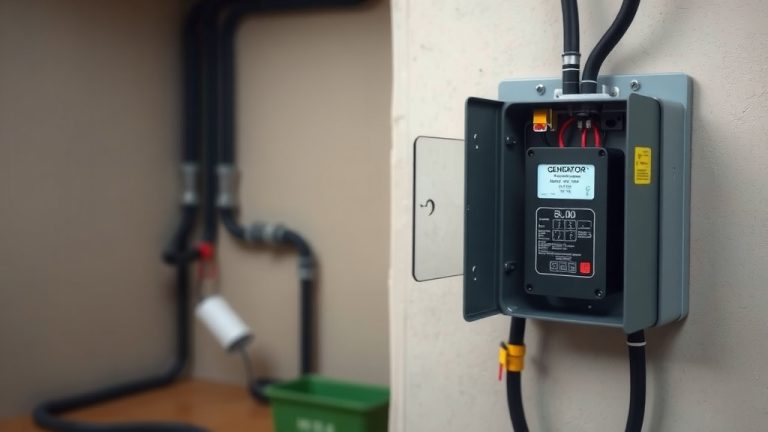
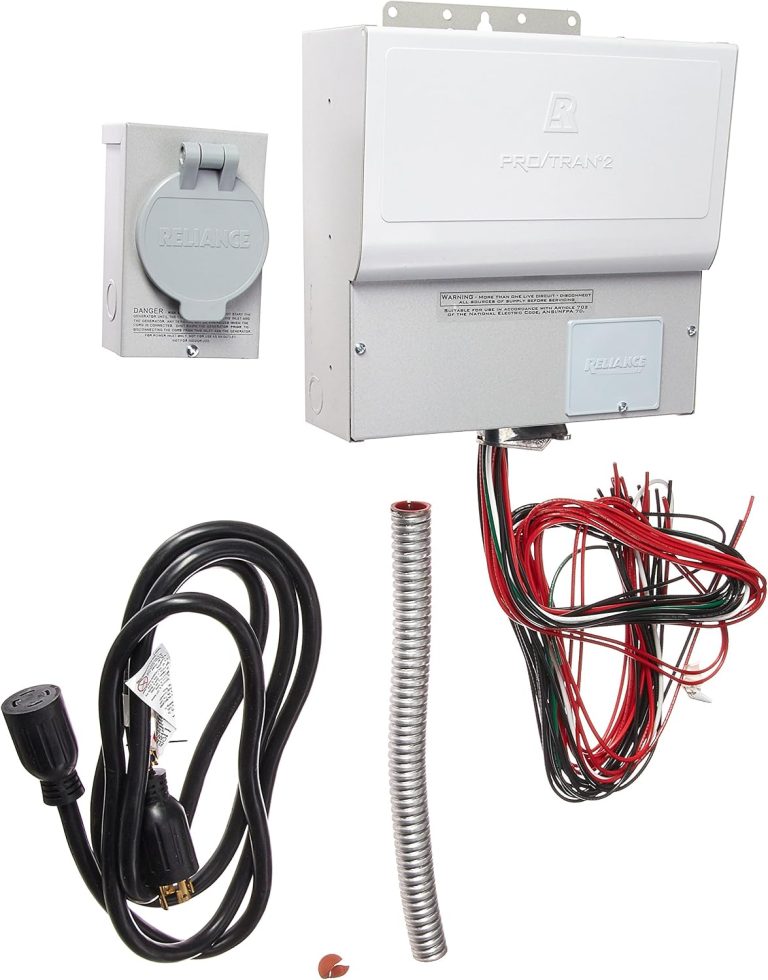
Now, let’s talk about the ATS. This device is hardwired into your electrical panel. It monitors the voltage coming from the utility company. When the power drops below a certain level, the ATS signals your generator to start. Once the generator is running and producing stable power, the ATS flips the switch. Your entire house or building is now running on the generator.
This all happens automatically. You do not have to go outside in the storm. You do not have to pull a cord. You do not have to flip a switch manually. The ATS is the brain that manages the handoff between the grid and your backup power source. For boat owners, an automatic transfer switch for marine use works similarly to keep your vessel powered.
There is a delay, though. Generators do not start instantly. Most ATS units wait about 15 to 30 seconds for the generator to warm up and reach the right voltage. That means you will still have a brief blackout during the transition. This is why you often need a UPS for sensitive electronics, even if you have an ATS and a generator.
Manual vs. Automatic Transfer Switches
It is worth noting that you can buy a manual transfer switch. This is a cheaper option where you physically flip a switch to start the generator. Many experts say that a manual switch is fine for weekend cabins or places where you rarely lose power. But if you are not home during an outage, your generator will just sit there idle. An automatic transfer switch costs more but provides peace of mind.
We found that homeowners who travel frequently or have elderly family members at home prefer the automatic option. It removes the guesswork. The power comes back on without any human interaction. This is a huge benefit for people with medical devices that rely on electricity.
Comparing UPS and ATS Side by Side
Let’s lay out the facts in a simple table so you can see the difference at a glance. This comparison should help you decide which one you need to buy first.
| Feature | UPS (Uninterruptible Power Supply) | ATS (Automatic Transfer Switch) |
|---|---|---|
| Main Job | Provide instant battery power | Switch loads between power sources |
| Power Source | Internal battery | Utility grid or generator |
| Runtime | Minutes (usually 5-30) | As long as generator has fuel |
| Cost | Lower ($50 – $500) | Higher ($300 – $2,000+) |
| Installation | Plug and play | Requires a licensed electrician |
| Best For | Computers, routers, small electronics | Whole home or office backup |
| Power Quality | Cleans up surges and dips | No cleaning, just switching |
As you can see, these devices serve completely different purposes. You cannot replace one with the other. A UPS cannot power your whole house for hours. An ATS cannot protect your computer from a flicker. They are two halves of a complete backup strategy.
When a UPS Is All You Need
For many renters and apartment dwellers, a UPS is the only realistic option. You cannot install a generator or an ATS in an apartment building. You just want to protect your laptop and your modem. In this case, a UPS is perfect. It covers the short outages that happen a few times a year.
If you live in an area with frequent but short power blips, a UPS will save you headaches. We found that most grid-related outages last less than two minutes. A UPS handles those easily. You will not even notice the lights flicker because your computer stays on.
Here is a quick checklist to see if a UPS is your best bet:
- You only need to keep a few devices running.
- Your power outages are usually under 30 minutes.
- You rent your home or cannot modify the electrical panel.
- You want a simple plug-and-play solution.
- Your main concern is avoiding file corruption or data loss.
- You do not own a generator and do not plan to buy one.
If you checked off most of these items, a UPS is the right starting point. It is an affordable safety net for your digital life.
When an ATS Is the Right Investment
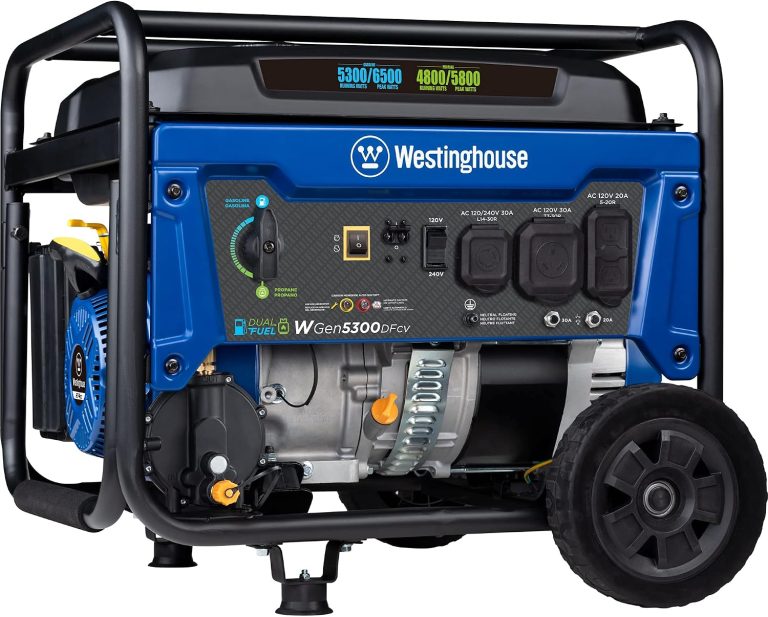
An ATS only makes sense if you have a generator. And not just any generator. A whole-home standby generator or a large portable unit that can handle your essential circuits. If you live in a region prone to hurricanes, ice storms, or rolling blackouts, this setup is worth it. If you’re ready to buy, our roundup of the best generator transfer switch models can help you choose.
Think about the total cost of ownership. You are not just buying the switch. You are buying the generator, the fuel, the installation, and the maintenance. This is a serious investment. But for a family that relies on medical equipment or a home business, the cost is often justified. Losing power for days can cost you more than the equipment.
The Reality of Generator Startup Time
Here is something we found that surprises people: the ATS does not make the power seamless. There is always a gap. When the utility power fails, the ATS waits for the generator to start. This can take anywhere from 15 seconds to a full minute. During that time, you have no power.
This gap is annoying for lights, but it is disastrous for computers. A hard shutdown can corrupt files or damage hardware. This is why many experts say you need both systems. The UPS bridges the gap. It keeps your computer running while the generator spins up.
Pairing a UPS with an ATS Generator
When you pair them, the magic happens. The utility power goes out. The UPS immediately takes over for your critical electronics. At the same time, the ATS senses the outage and starts the generator. Thirty seconds later, the generator is ready. The ATS switches the house over to generator power. The UPS sees the stable power and recharges its battery. Everyone is happy.
This is the setup we recommend for most homeowners who want real protection. It covers both the short-term gap and the long-term outage. You get the best of both worlds without compromise.
Key Factors to Consider Before Buying
We have looked at the basic functions. Now, let’s talk about the practical details that will actually affect your purchase. These are the questions you should ask yourself before you spend any money.
What Is Your Power Load?
Count up the watts you need to run. A desktop computer uses around 300 watts. A refrigerator uses 700 watts. A whole house with AC can use 5,000 watts or more. Your UPS needs to have enough capacity for the devices you plug into it. Your generator and ATS need to handle the circuits you want to back up.
We found that people often underestimate their power needs. They buy a small UPS and plug in too many devices. The UPS beeps and shuts off immediately because it is overloaded. Make a list. Add up the watts. Buy a little more capacity than you think you need.
Do You Have a Generator Already?
If you already own a portable generator, adding an ATS is a smart upgrade. It turns your manual process into a hands-free operation. You will need an electrician to install a transfer switch panel. This is not a DIY job unless you are very experienced with electrical work. It involves working inside your main breaker panel, which is dangerous.
If you do not have a generator, start with a UPS. It is a lower barrier to entry. You can always add a generator and an ATS later. Many people build their backup power setup in stages.
What Is Your Budget?
Money matters. A good UPS for your computer will cost around $150. A solid portable generator plus an ATS installation will easily run you $2,000 or more. Whole-home standby generators can cost $5,000 to $10,000 with installation. Be honest about what you can afford. Buy the best you can, but do not go into debt for power backup.
There is no shame in starting small. A UPS is a great first line of defense. It protects your most important electronics without breaking the bank.
Making the Final Call on Your Backup Power Plan
Here is the bottom line: you probably need a UPS. Everyone with a computer or a router should have one. They are cheap, easy to set up, and they save you from data loss. The ATS is a bigger commitment. It requires a generator and professional installation. It is for people who face long outages and want the convenience of automatic power restoration.
We found that the best strategy is to build a layered defense. Start with a UPS for your electronics. If you live in an area with long outages, add a generator and an ATS. That way, you have instant power for your sensitive gear and long-term power for your whole home.
Take a moment to look at your local weather patterns. Do you lose power for hours at a time? If so, you know what you need to do. If your outages are just a few minutes, the UPS is enough. Match your equipment to your real-world needs, and you will sleep better during the next storm.
Conclusion
You now know the real difference between an automatic transfer switch and a UPS. They are not rivals. They are teammates. A UPS keeps your computer alive for a few minutes. An ATS flips your whole house over to a generator for hours or days.
Start with a UPS if you are on a budget or rent your home. It is plug-and-play and protects your most important devices. Add a generator and an ATS if you face long outages and want hands-free power restoration.
Your next step is simple: check your local outage history. If you lose power for hours, plan for both systems. If outages are brief, grab a UPS today. Match your gear to your real needs, and you will be ready for the next storm.
Frequently Asked Questions
Can I use a UPS with a generator instead of an ATS?
Yes, but you will need to plug the UPS into the generator manually. That means going outside to start the generator and run an extension cord. It works in a pinch, but it is not automatic. An ATS removes the manual work and makes the whole process hands-free.
Will a UPS damage my generator when the power comes back?
No, a UPS will not damage a generator. Most modern UPS units handle generator power fine. The UPS simply recharges its battery once stable power returns. Just make sure your UPS is rated for the voltage your generator produces.
How long can a UPS keep my router and modem running?
Most small UPS units keep a router and modem running for 30 to 90 minutes. The exact time depends on the battery size and how much power your equipment draws. Check the wattage rating on your UPS to estimate your specific runtime.
Do I need an electrician to install an automatic transfer switch?
Yes, you absolutely do. An ATS connects directly to your main electrical panel. Working inside that panel is dangerous and requires a permit in most US states. Hire a licensed electrician to ensure the installation is safe and up to code.
Can a portable generator work with an automatic transfer switch?
Yes, portable generators work with ATS units. You just need a generator with enough wattage to handle the circuits you want to back up. Many homeowners use a portable generator with a 30-amp or 50-amp ATS setup for a cost-effective solution.